
Guides
How to Start Streaming in 2026 — What You Really Need (and What You Don't)

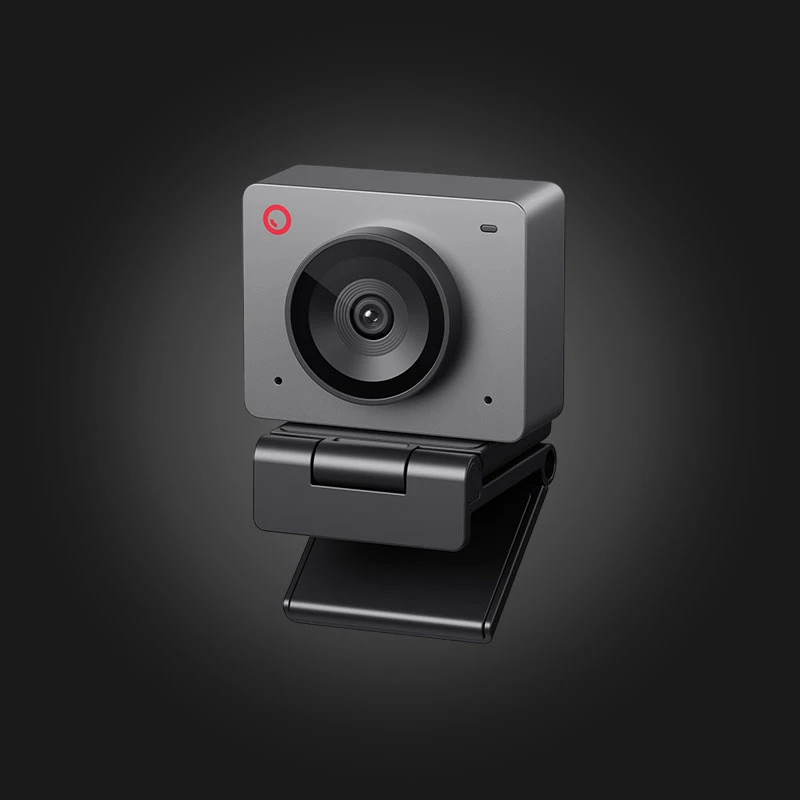
Every great streamer started from scratch — and most of them with much more modest equipment than you might think. You don't need two computers, a professional camera, and studio lighting to start streaming in 2026. Here's what you really need — in order of priority.
Priority #1 — Voice (not camera!)
Viewers will tolerate bad video, but never bad sound. The first investment is always a microphone: a USB condenser microphone is more than enough for a beginner. A camera? Not mandatory at all at first — many successful streamers work without a facecam.
Priority #2 — Internet upload speed
For streaming, the key is not downloading, but Upload Speed: For a 1080p 60fps stream, you need a stable 8-10 Mbps upload. And most importantly — Cable connection. Wi-Fi is the enemy of streamers.
Priority #3 — a computer that does two things
Modern video cards have a dedicated encoder (NVIDIA NVENC, AMD VCN), which encodes the stream with almost no FPS loss. That is, you no longer need a separate “streaming PC” — a mid-range computer is enough. If frames are still missing, see Ways to increase FPS or Update your video card..
Software — OBS Studio (free)
The industry standard is free. Basic settings for beginners: 1080p, 60fps, bitrate 6000-8000 Kbps, encoder — NVENC/VCN (and not x264, if you are streaming from one computer).
What you don't need at the beginning
- Stream Deck — OBS hotkeys do the same thing for free
- 4K camera — The facecam on the stream is a small window; even a smartphone is enough
- Second computer — In the era of NVENC, only for professionals
- RGB lighting — It's beautiful, but viewers are interested in the content
FAQ
Twitch or YouTube?
Twitch — for live communication and a gaming audience; YouTube — if you also plan to create VOD content. For beginners, the difference is minimal — the main thing is regularity.
How much RAM do I need for streaming?
Game + OBS + browser + Discord simultaneously = at least 16GB, comfortably — 32GB. Details In the RAM guide.
მიკროფონები, ვებკამერები, სტრიმ დეკები და სტრიმინგისთვის მზა კომპიუტერები — ყველაფერი სტრიმინგის კატეგორიაში, მიწოდებით საქართველოს მასშტაბით.

 All-in-One PC
 Laptop
 Motherboard
 CPU
CPU Cooling
 Case Fan
 Thermal Paste & Brackets
 Memory (RAM)
 Graphics Card
 Storage
 SSD
SSD Power Supply
 Keyboard
 Mouse
Mouse Mouse Pad
 Headset
 IEM
IEM Wireless Headphones
 DAC & Amplifier
 Headphone Accessories
 Speaker
 Controller
 Microphone
 Mic Arm
 Audio Mixer
 Webcam
 Stream Deck
 Capture Card
 Decor
Decor
 Display Cable
 USB & Type-C Cable
 Audio Cable
 Ethernet
 Gaming Chair