





Monitor accessories — Vertex arm, MiraBox portable second screen, ARZOPA bag. Delivery to Tbilisi.
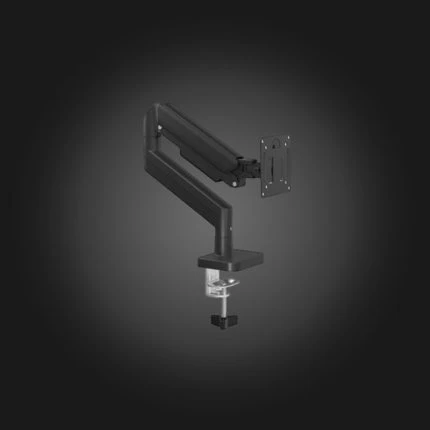

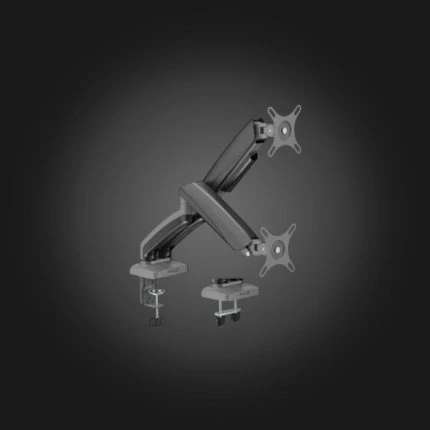
Vertex VX-2MA-01G Elegance Dual Monitor Arm
Original price was: 130 ₾.120 ₾Current price is: 120 ₾.Monitor accessories — mounts and stands that free up desk space, place the screen at the right height, and organize two- or three-monitor setups.
FAQ
Will the mount fit my monitor?
Check the VESA standard on the back of the monitor — the most common are 75×75 and 100×100 mm. The weight and diagonal of the monitor are also important: each mount has a maximum limit, which we indicate in the description.
What are the advantages of a mount over a factory mount?
The mount frees up space on your desk and allows you to freely adjust the monitor's height, tilt, and swivel — the top edge of the screen should be at eye level. The dual mount aligns two monitors exactly in line.
How does it fit on the table?
There are two options: a clamp that attaches to the edge of the table without a hole, and a grommet option that attaches to the cable hole. The table edge should be at least 1–8 cm thick and solid; clamps are not recommended for glass tables.
Gas shock absorber or mechanical?
A gas spring raises and lowers the monitor with one hand and locks it in any position — convenient for daily adjustments. A mechanical one is cheaper and is suitable for a fixed position.