





Hard drives and SSDs — NVMe and SATA SSDs, HDDs and external drives: Samsung, Kingston, Crucial, WD and other brands, from 240GB to several terabytes.
When choosing, consider:
— For system and games: NVMe SSD — boot times are reduced several times
— For the archive: HDD is still the cheapest gigabyte
— Gen4 NVMe Full speed only available on compatible motherboards
— Look for a 2.5″ SATA or M.2 format for a laptop
Delivery throughout Georgia — order: +995 599 088883.
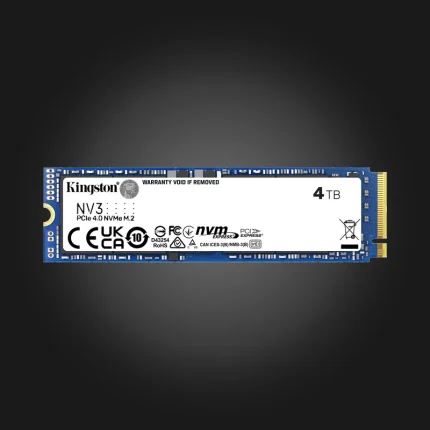
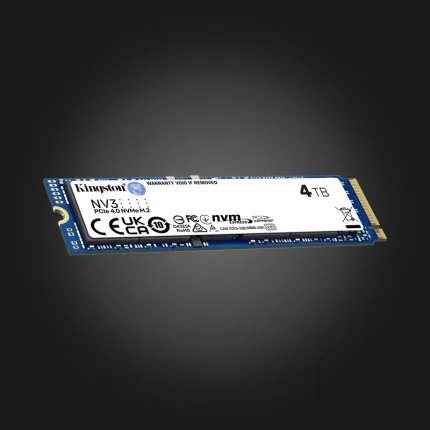
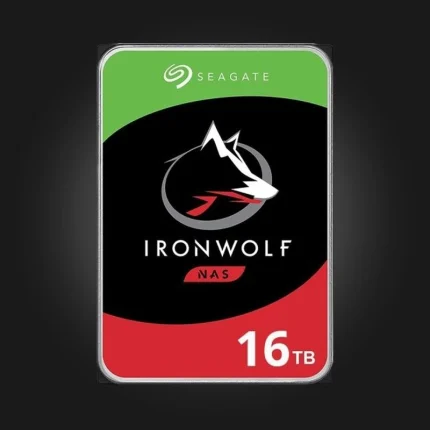

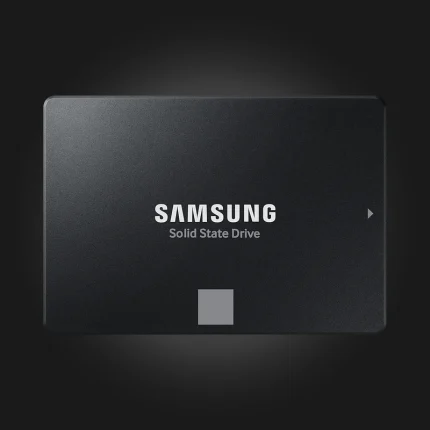
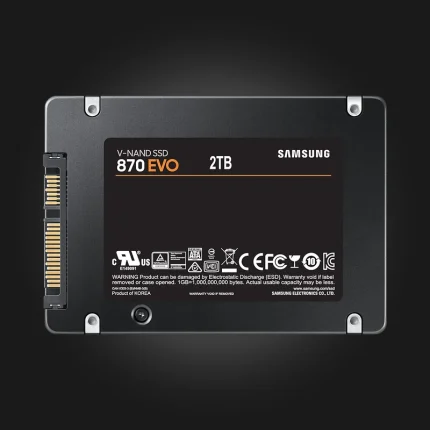
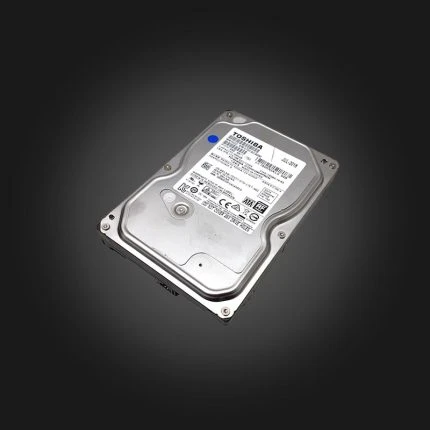
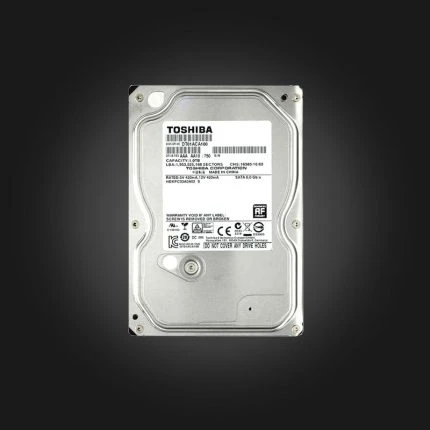
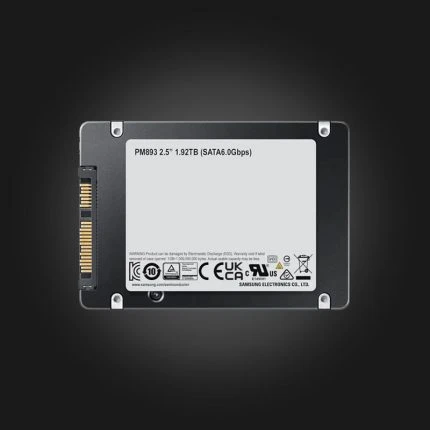
SSD and HDD drives — NVMe M.2 for the system and games, SATA SSD for budget upgrades, and HDD for large archives.
FAQ
NVMe or SATA SSD?
An NVMe M.2 drive is 5–10 times faster and plugs directly into the motherboard, without cables. If your motherboard has an M.2 slot, choose NVMe. A SATA SSD is great for upgrading an older computer or as a second drive.
Gen3, Gen4 or Gen5?
For gaming and everyday work, Gen4 is the golden mean. Gen5 is twice as fast on paper, but in games the difference is not noticeable and it gets hot. A Gen3 drive works in a Gen4 slot and vice versa.
How much volume do I need?
For the system and a few games, 1 TB is the minimum — modern games take up 100–150 GB. 500 GB is enough for an office computer. For photo/video archiving, an HDD is still the cheapest way.
Will it fit my motherboard?
M.2 2280 is the most common size and is found on most modern motherboards. Older motherboards (before 2016) may not have M.2 or may only support SATA mode — if in doubt, please email us with the model.