





Monitors — Gaming and office models: BenQ Zowie, Acer, AOC, ASUS and other brands. Refresh rates from 144Hz to 600Hz, from Full HD to 4K, from esports TN panels to color-accurate IPS screens.
How to choose:
— For esports: 240Hz+ and 1ms — a real advantage in competitive shooters
— For a unified experience: 1440p / 144-180Hz IPS — The Golden Mean
— Size: 24-25″ — esports standard, 27″+ — for immersive gaming and work
— Check that Graphics Card Uploads monitor resolution and hertz
Delivery throughout Georgia — order: +995 599 088883.
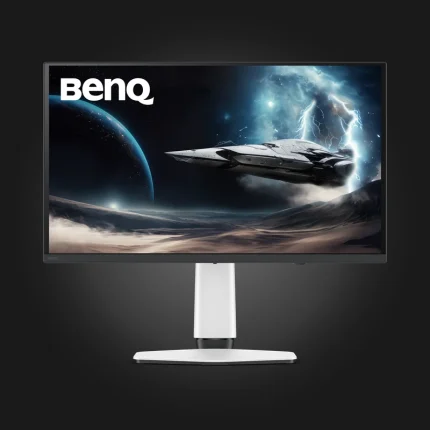
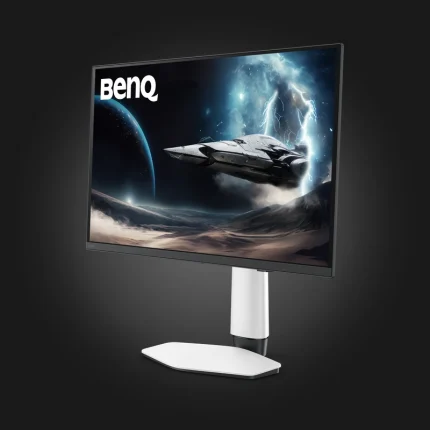
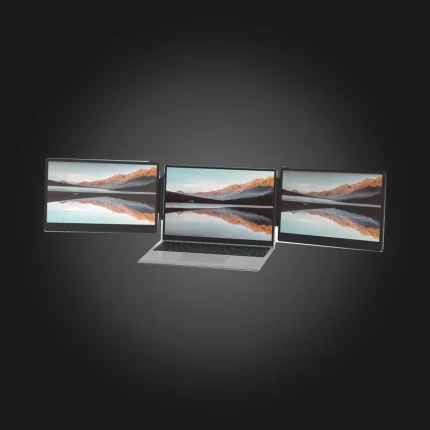
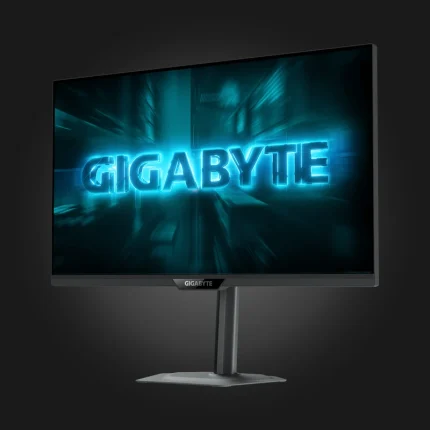
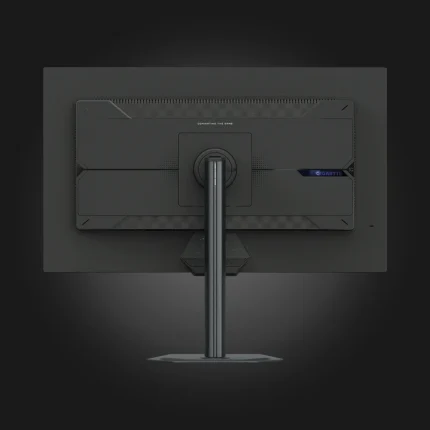
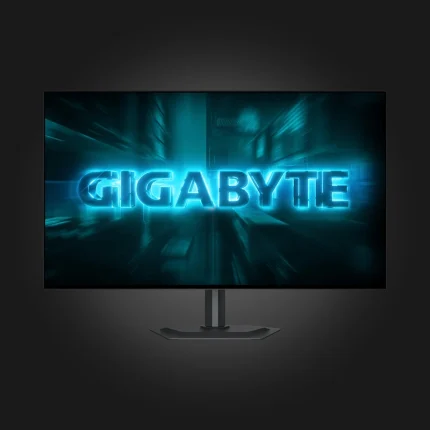
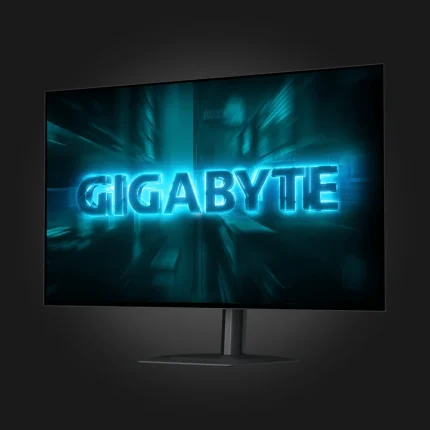
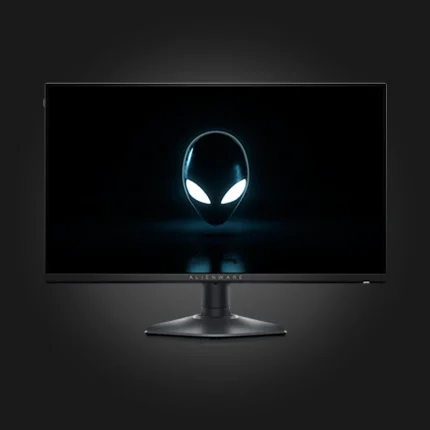
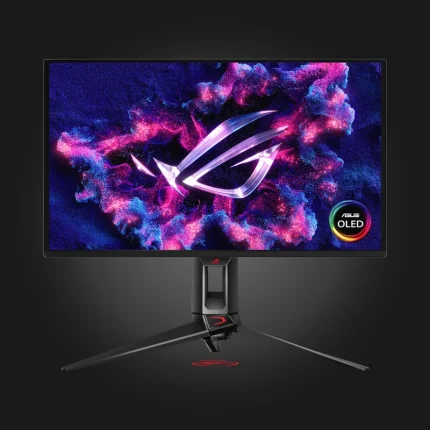
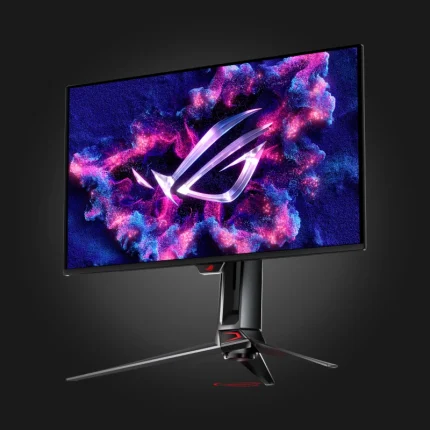
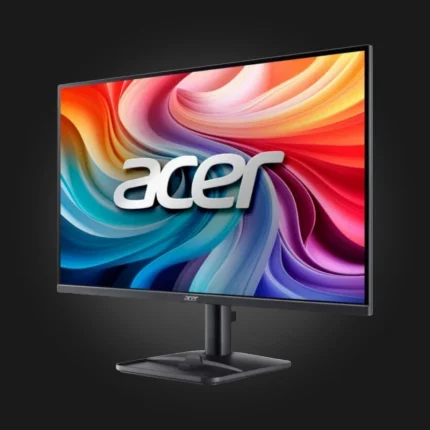
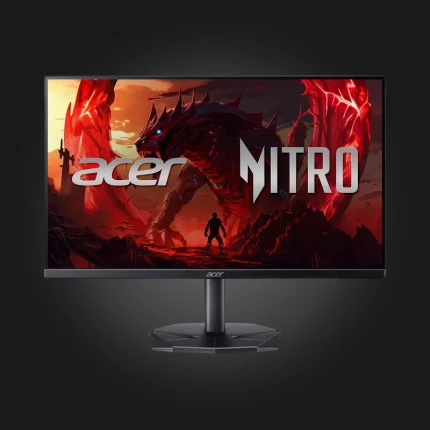
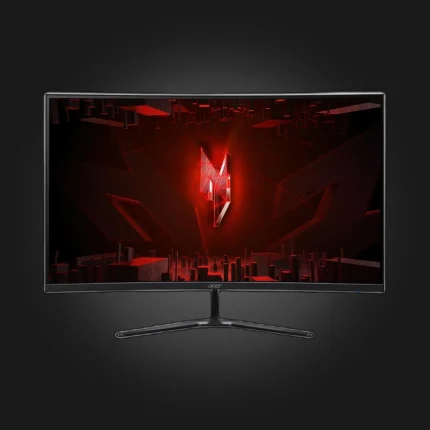
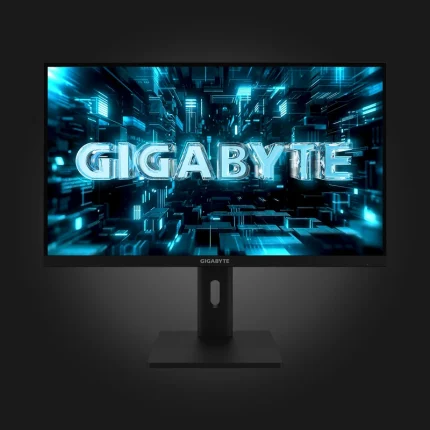
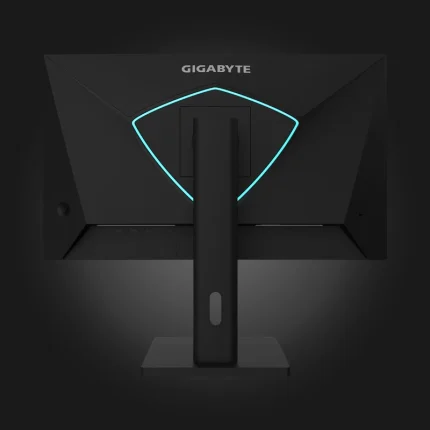
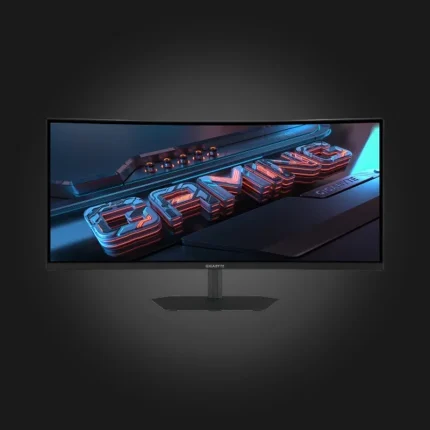
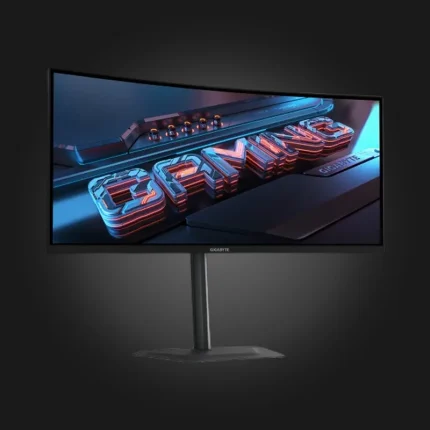
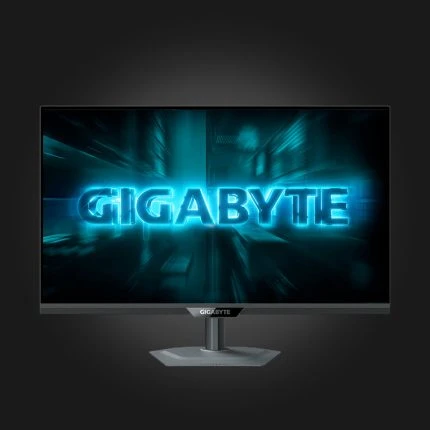
Monitors for gaming, office, and work. Each one is labeled with panel type, resolution, screen size, and refresh rate — use the filter to quickly select.
FAQ
IPS, VA or OLED — which one should I choose?
IPS is the most common and universal: colors are accurate and viewing angles are wide. VA gives deeper blacks and is seen in movies. OLED gives the best contrast because black pixels are completely turned off, but it is the most expensive.
How many Hz do I need?
60Hz is enough for office work. For gaming, 144Hz makes a noticeable difference and is considered the standard today. 240Hz and above make sense in social shooters, where every frame counts.
Which resolution is better?
On a 24-inch screen, FHD (1920×1080) is optimal. On a 27-inch screen, 2K (2560×1440) is better — FHD looks grainy at this size. 4K from 32 inches and up, or for editing.
How many dead pixels are acceptable?
According to industry standards, a single dead pixel is not considered a defect. Our warranty condition states that a warranty case occurs when the number of dead pixels reaches 5.
Will it be possible to connect to the console?
Yes, via HDMI. If you have a PS5 or Xbox Series X and want 120Hz, choose a model with HDMI 2.1 — without it, you'll be limited to 60Hz at 4K.