





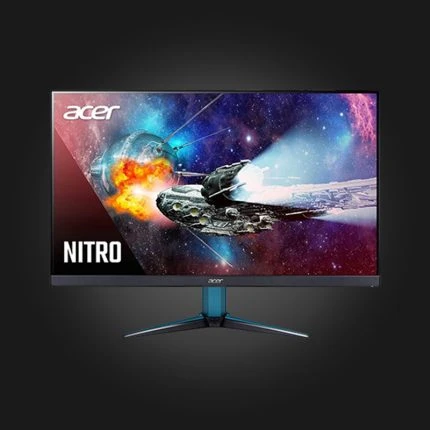
Acer Nitro VG270K L1 27″ 4K IPS UHD 72Hz FHD 144Hz 0.5ms
Original price was: 640 ₾.600 ₾Current price is: 600 ₾.
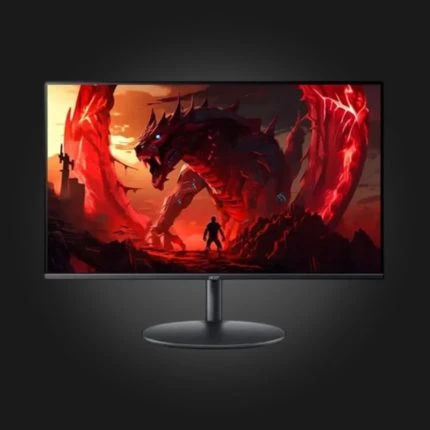
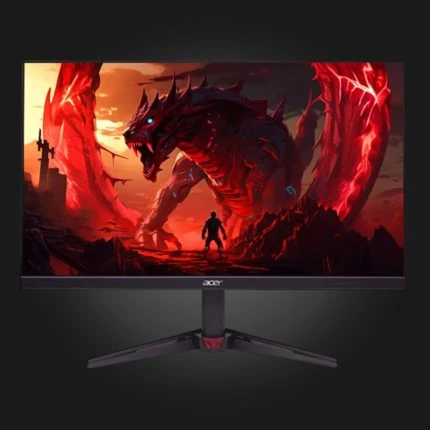
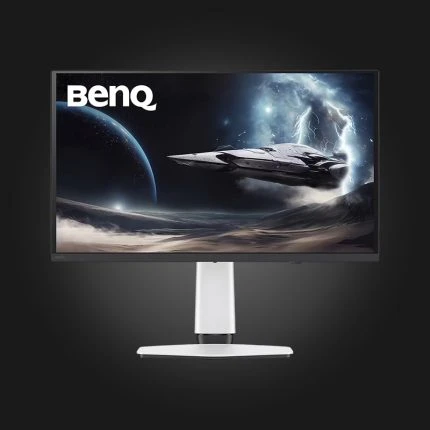
BenQ MOBIUZ EX271QZ 26.5″ 500Hz 2k QD-OLED 0.03ms Gaming Monitor White
Original price was: 2990 ₾.2900 ₾Current price is: 2900 ₾.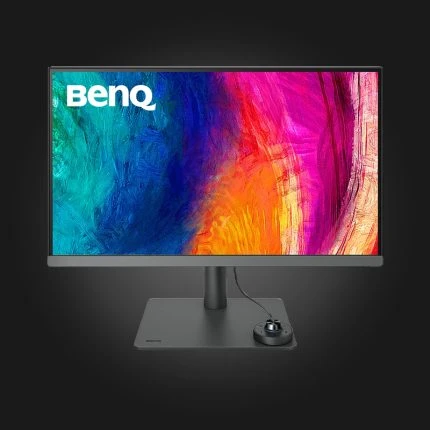
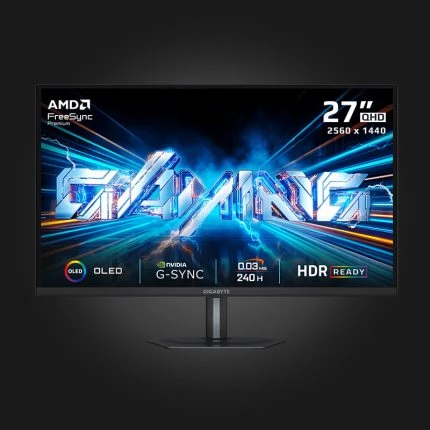
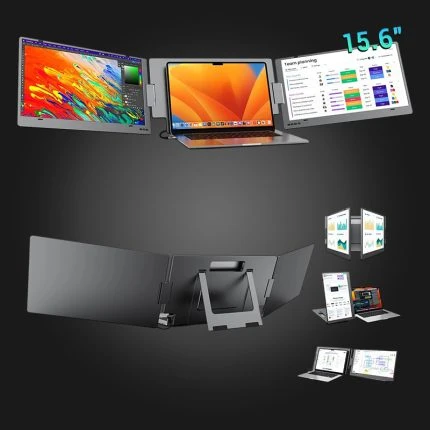
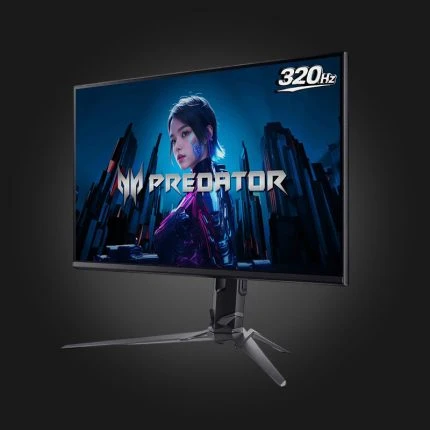
Acer Predator XB253QF3bmiiprx FHD 24.5″ Fast IPS 320Hz 0.5ms Gaming Monitor
Original price was: 570 ₾.535 ₾Current price is: 535 ₾.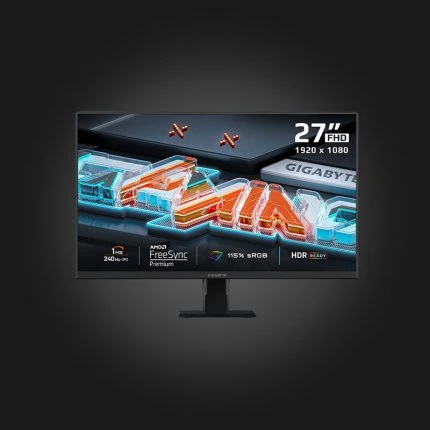
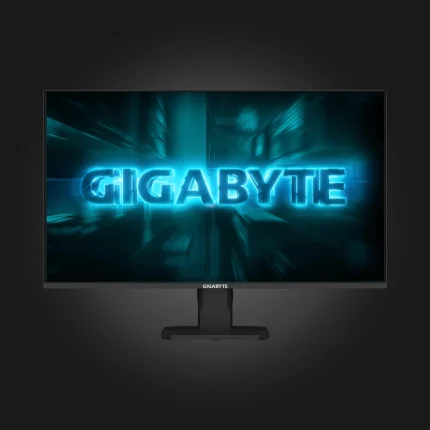
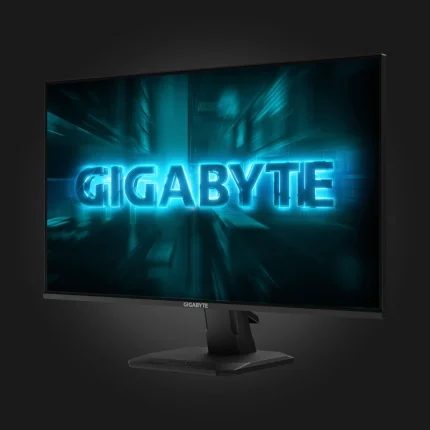
Gigabyte GS25F2A 24.5″ FHD IPS 240Hz 1ms
Original price was: 450 ₾.400 ₾Current price is: 400 ₾.Monitors for gaming, office, and work. Each one is labeled with panel type, resolution, screen size, and refresh rate — use the filter to quickly select.
FAQ
IPS, VA or OLED — which one should I choose?
IPS is the most common and universal: colors are accurate and viewing angles are wide. VA gives deeper blacks and is seen in movies. OLED gives the best contrast because black pixels are completely turned off, but it is the most expensive.
How many Hz do I need?
60Hz is enough for office work. For gaming, 144Hz makes a noticeable difference and is considered the standard today. 240Hz and above make sense in social shooters, where every frame counts.
Which resolution is better?
On a 24-inch screen, FHD (1920×1080) is optimal. On a 27-inch screen, 2K (2560×1440) is better — FHD looks grainy at this size. 4K from 32 inches and up, or for editing.
How many dead pixels are acceptable?
According to industry standards, a single dead pixel is not considered a defect. Our warranty condition states that a warranty case occurs when the number of dead pixels reaches 5.
Will it be possible to connect to the console?
Yes, via HDMI. If you have a PS5 or Xbox Series X and want 120Hz, choose a model with HDMI 2.1 — without it, you'll be limited to 60Hz at 4K.