





Gaming keyboards — mechanical, hot-swap and wireless models: AULA, Epomaker, Attack Shark, NuPhy, Keydous, Logitech, Razer and 20+ brands. From 60% to Full-Size layouts, from budget prices to premium "customs".
What to pay attention to:
— Switches: Linear — for gaming, tactile — for typing; switches are replaced in Hot-Swap models
— Layout: 75% is compact in functional order, 96/100% — with NumPad
— Connection: 2.4GHz for gaming, Bluetooth — with multiple devices
— Gasket Mount construction provides a soft, pleasant sound
Delivery throughout Georgia — order: +995 599 088883.
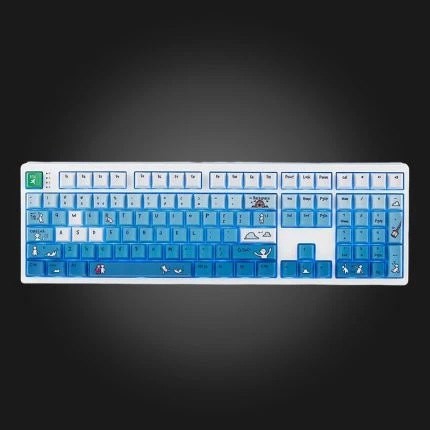


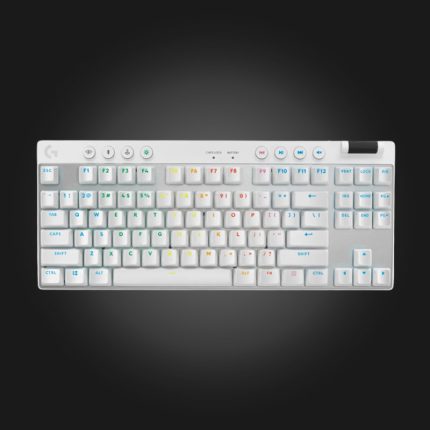
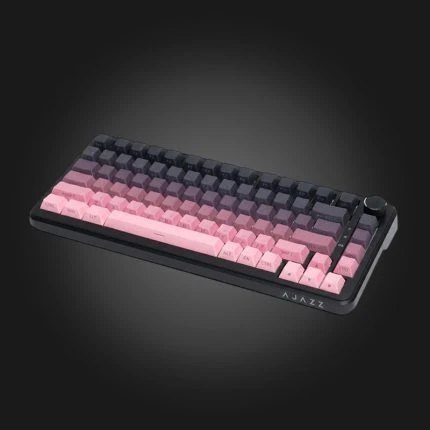
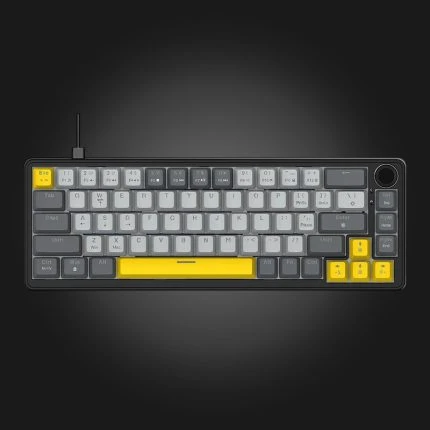
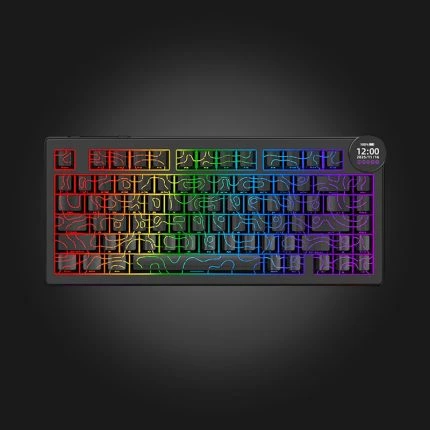
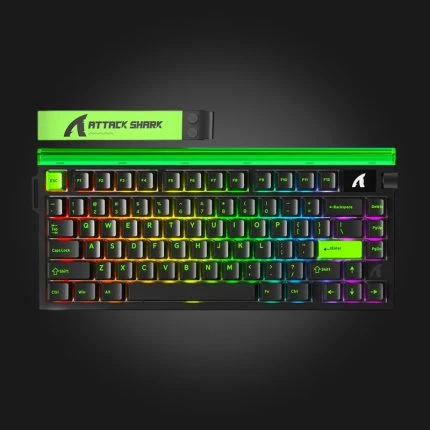
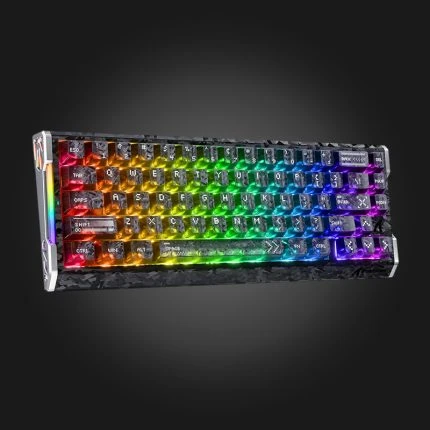
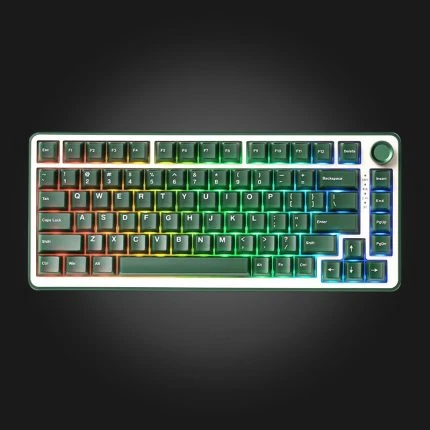
Keyboards with mechanical and membrane switches, in different sizes. In the filter you will see the switch type, size and hot-swap support.
FAQ
What is the difference between mechanical and membrane?
In mechanical, each button has a separate switch — it's more accurate, durable, and repairable. Membrane is cheaper and quieter, but over time, the buttons "wear out.".
Which switch should I choose?
Red is linear — light and quiet, popular for gaming. Brown has a light tactile feel, good for a combination of typing and gaming. Blue is the noisiest and most tactile — less suitable for the office.
What does hot swap mean?
The fact that you can replace switches without soldering — you just take them out and put in another one. If you want to try a different feel later, choose a hot-swap model.
Which size do I prefer?
Full size includes a numeric keypad. TKL is the same without a numeric keypad — more space for the mouse. 60-65% is the most compact, but some of the buttons are called up with a combination of keys.