
Guides
How to choose a monitor — resolution, refresh rate, and size

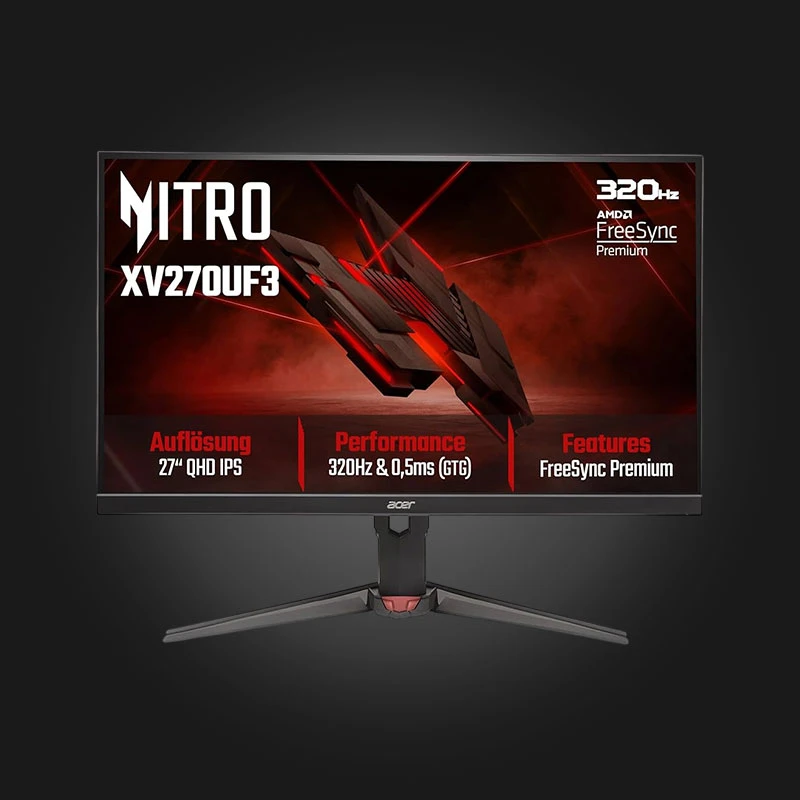
Your monitor is something you look at every day — so choosing it is just as important as choosing a graphics card. The right monitor depends on whether you're gaming, working, or doing both. Let's take a look at the main options.
Resolution — the basis of sharpness
- Full HD (1080p) — Most common, good choice for budget gaming and office
- 2K (1440p) — Much sharper image, optimal balance between quality and performance
- 4K (2160p) — Maximum sharpness, but very Video card Requires
Refresh rate (Hz)
The refresh rate determines how smooth the image is. 60Hz is sufficient for the office, while 144Hz or higher is recommended for gaming — the difference is clearly noticeable in fast-paced games.
Panel type
IPS — Best colors and viewing angles; VA — Deep black color and contrast; TN — Fastest, but weak colors. For most people, IPS is the best balance.
Size
24 inches is comfortable for Full HD, 27 inches is ideal for 2K, and 32 inches and above are great for 4K and a wide workspace.
FAQ
What refresh rate is needed for gaming?
For comfortable gaming, 144Hz is optimal; for competitive games, 240Hz is even better.
Is a 4K monitor worth it?
If you have a powerful video card and want maximum sharpness — yes. For a weaker system, 2K is a better choice.
Where can I buy a monitor in Georgia?
You can see it on Gamers.ge. Monitors A wide selection with an official guarantee and fast delivery.
Contact us and we will help you choose the right monitor.

 All-in-One PC
 Laptop
 Motherboard
 CPU
CPU Cooling
 Case Fan
 Thermal Paste & Brackets
 Memory (RAM)
 Graphics Card
 Storage
 SSD
SSD Power Supply
 Keyboard
 Mouse
Mouse Mouse Pad
 Headset
 IEM
IEM Wireless Headphones
 DAC & Amplifier
 Headphone Accessories
 Speaker
 Controller
 Microphone
 Mic Arm
 Audio Mixer
 Webcam
 Stream Deck
 Capture Card
 Decor
Decor
 Display Cable
 USB & Type-C Cable
 Audio Cable
 Ethernet
 Gaming Chair